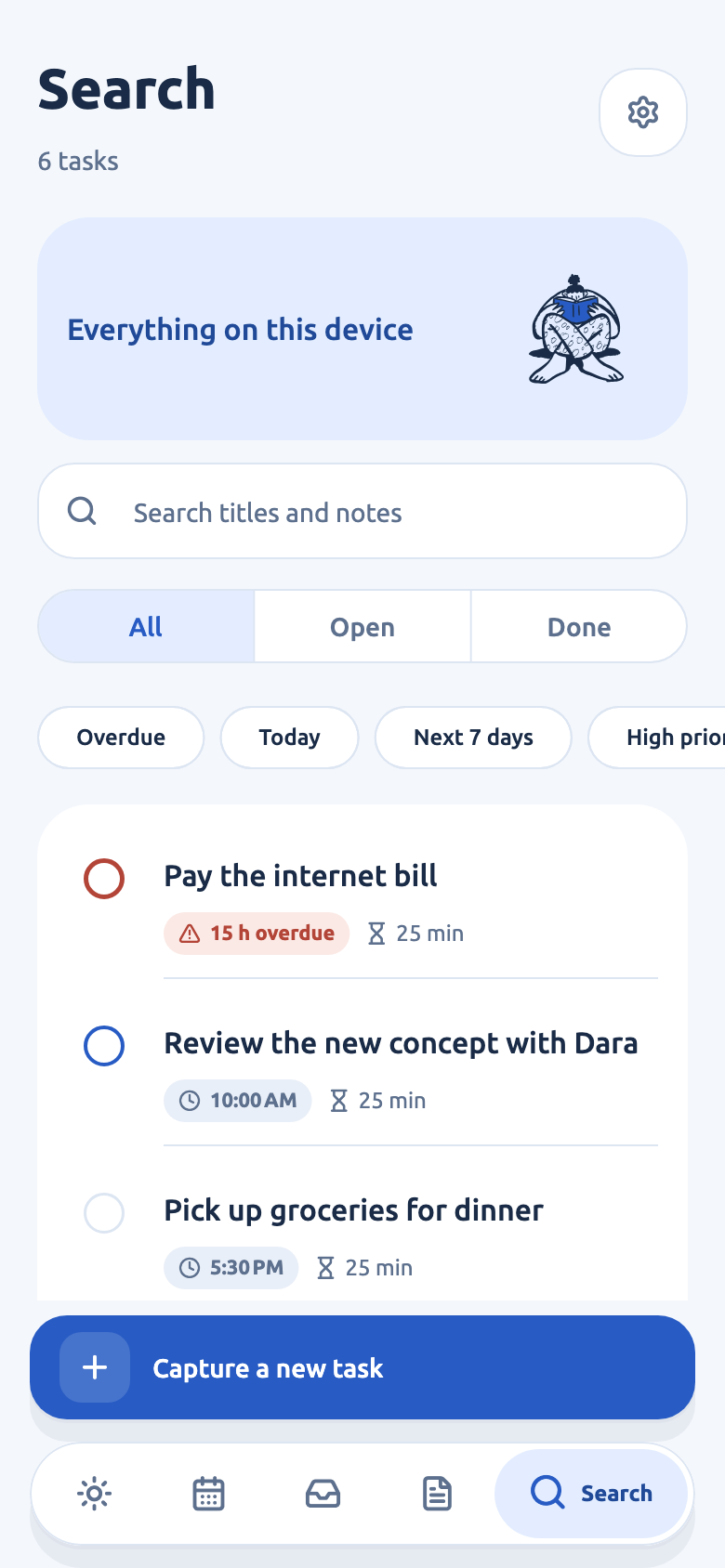
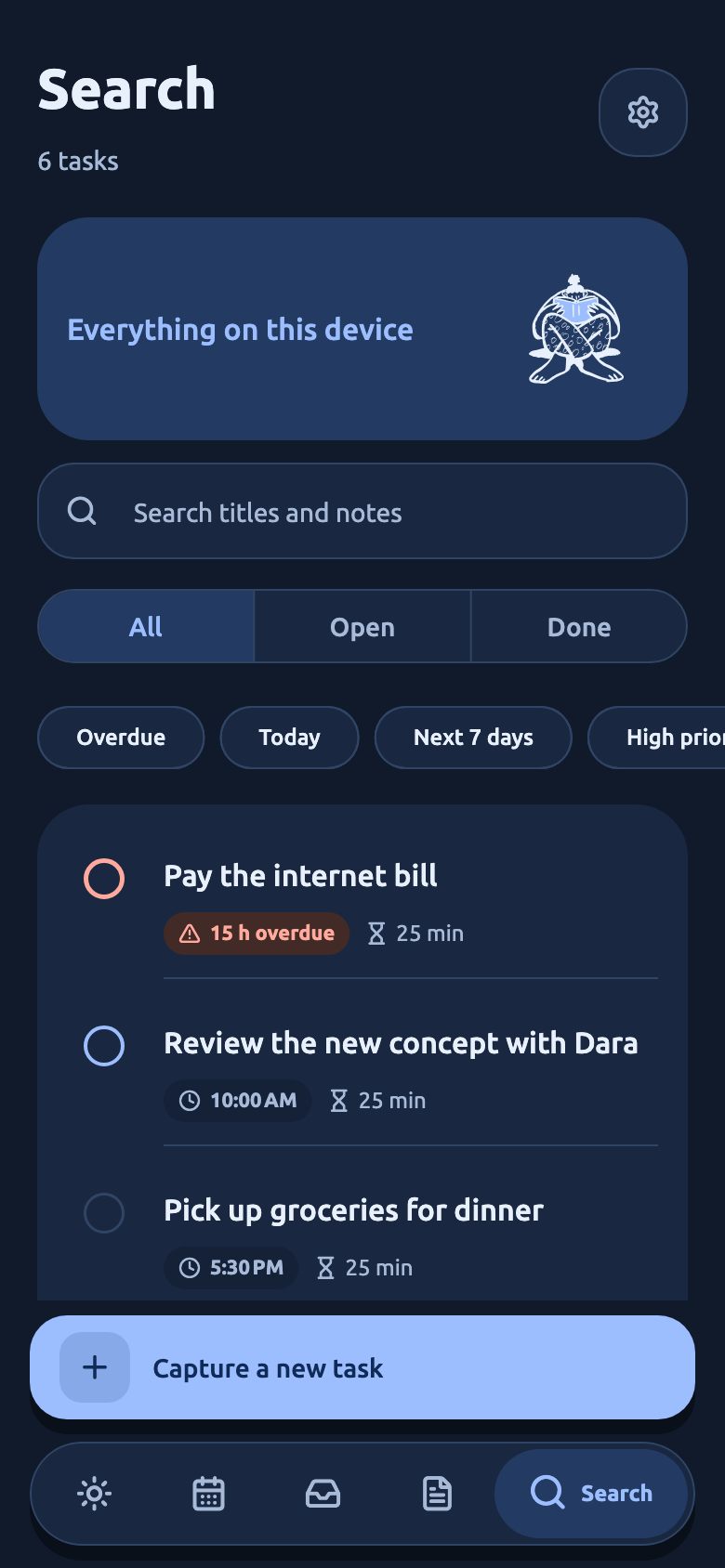
A clear view of today.
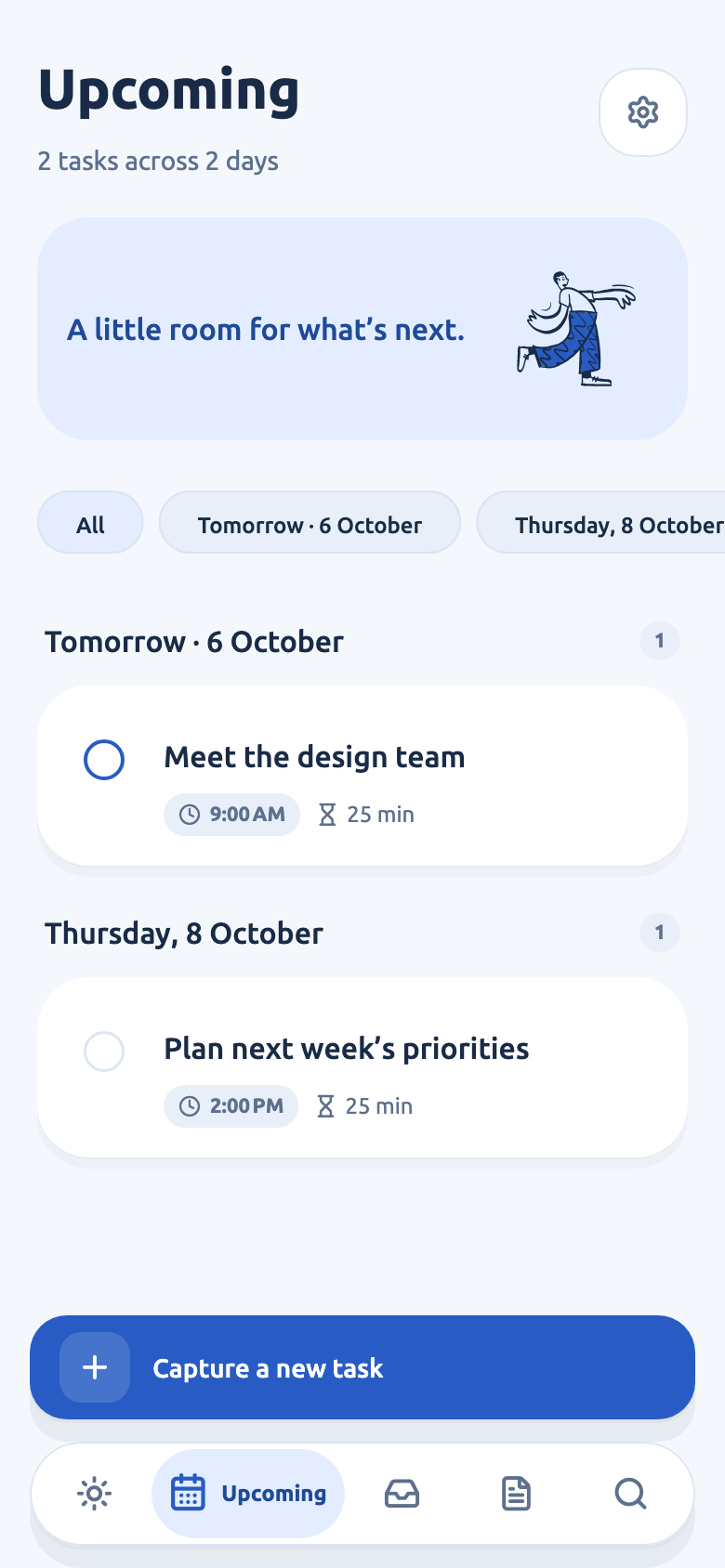
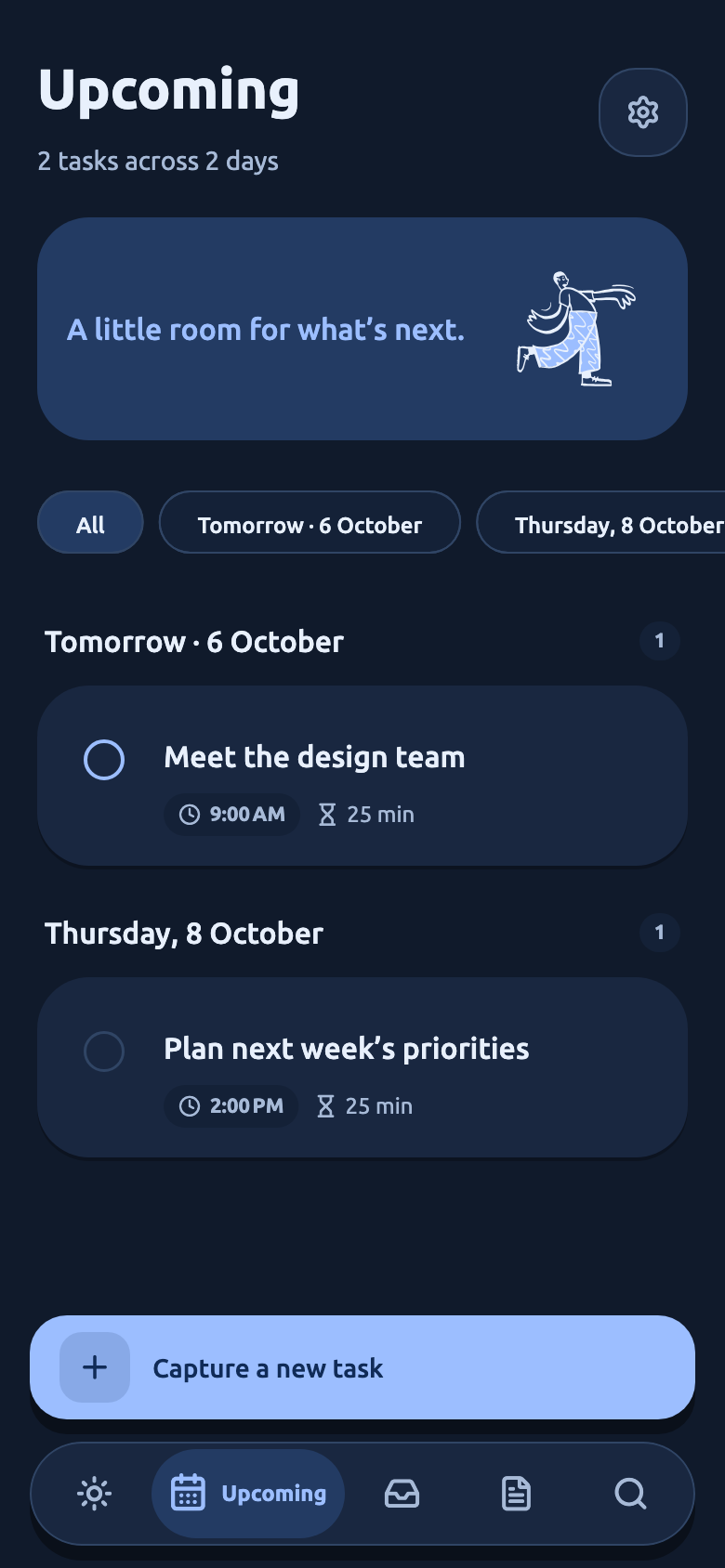
See what’s ahead, what needs a little attention, and what you’ve already done.

A little space for what matters.
Everyday thoughts, turned into tasks and reminders. A private little space on your phone, in English or Khmer.
Coming soon for iOS & Android
 Room for your plans.
3 little things ahead
A little plan for your day.
Try completing a task or planning your day.
Today, 1 of 4Swipe left or right to exploreUse arrow keys to explore. Press Space to pause or resume.
01From thought to task
“Call Mom tomorrow at 9.” That’s enough. Romlerk picks out the details, and you decide what to save.
Type a thought, or speak on supported devices.
Review the date, time, and details before saving.
A local reminder brings it back when you need it.
A thought becomes a task.
You get the final say.
An interactive example. Nothing is sent or saved to the mobile app.
02Made for real life
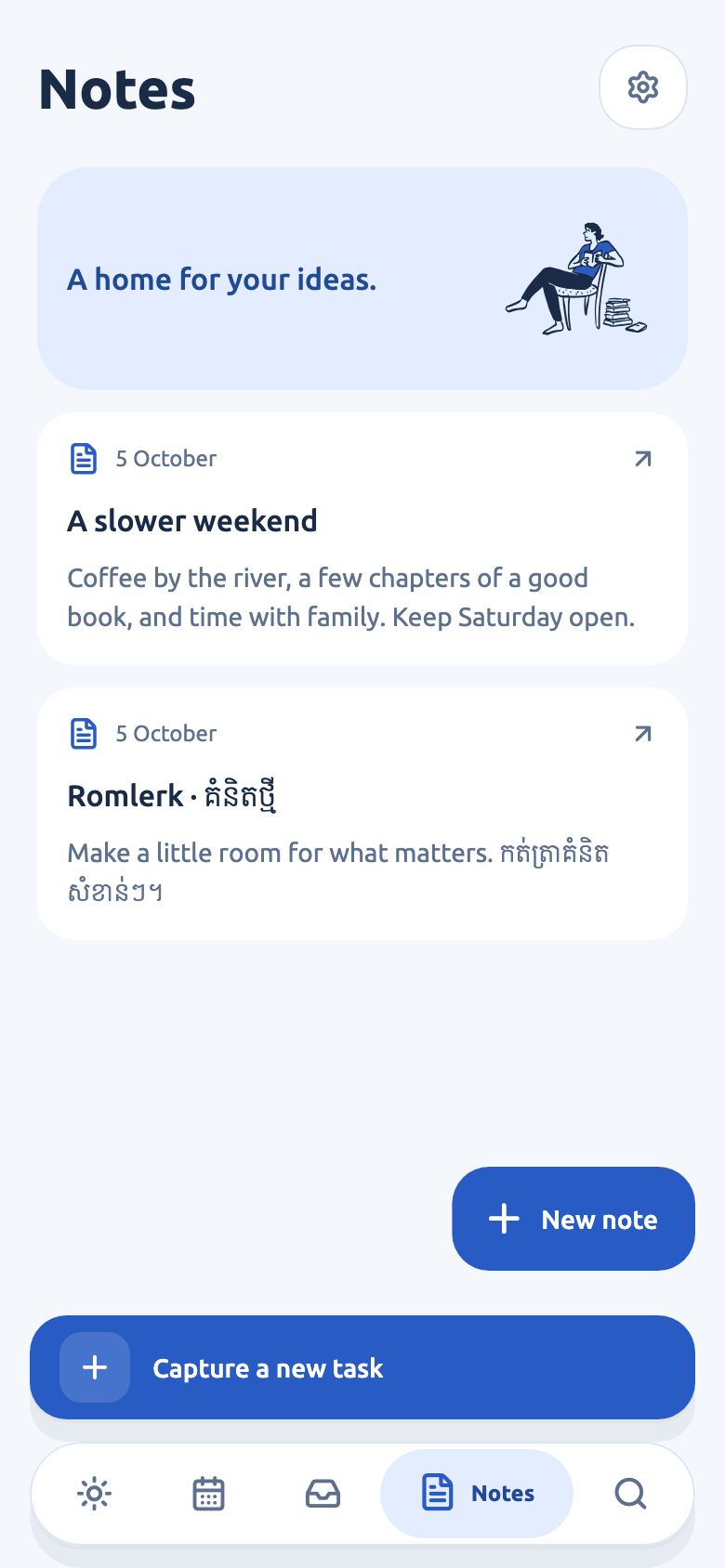
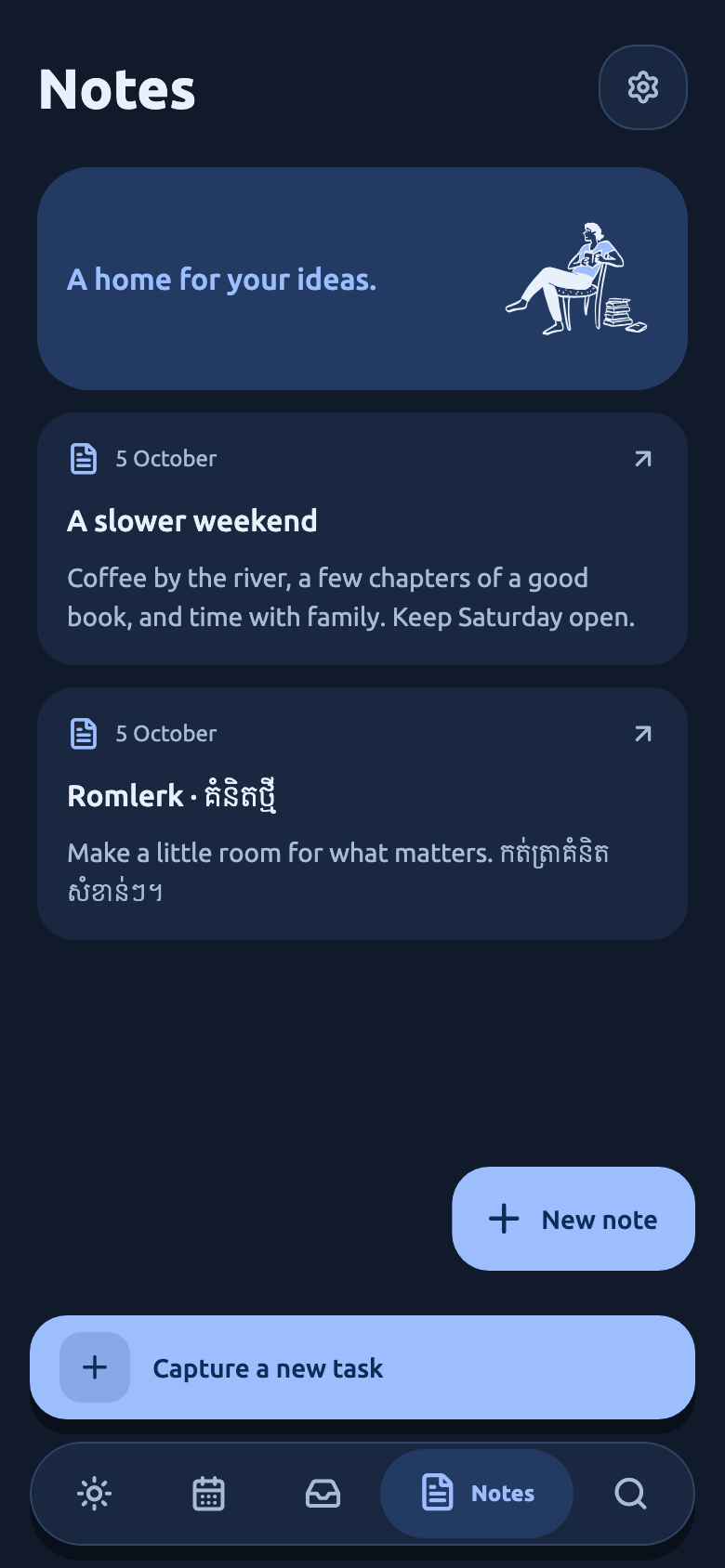
A simple place for your plans, with room for the rest of your life.
See what’s ahead, what needs a little attention, and what you’ve already done.
Capture in English or Khmer. Keep the thought in the language it came in.
Add recurring tasks, tags, priorities, and notes. Keep the small things together.

From your first thought to your next phone. Keep the useful things close, and let the rest of your day unfold.
Explore what Romlerk can doPick the tasks that matter for today. Your daily plan keeps your choices and shows your progress. Need a starting point? Ask what to do now.
Share a task with your calendar as an ICS file. Capture from widgets, shortcuts, or shared text, then review it in Romlerk. Calendar export is a snapshot, not automatic sync.
Create a full JSON backup and restore it on another phone, including standalone notes, daily plans, and preferences. Task-only JSON and CSV exports are also available.
 A personal space, on your phone.
03A little peace of mind
Your thoughts don’t need a cloud account. Romlerk processes capture on your device and keeps your tasks in a local database.
Yes. Your tasks, notes, search, and local reminders work offline. English and Khmer rules-based capture works without a model. Enhanced AI and voice depend on on-device availability; the operating system may need to download a model first.
No. Romlerk keeps its task database on your device, so you can start without signing in or creating a profile.
No. Romlerk includes its own English and Khmer parser and manual editing. On eligible devices, Apple Foundation Models or Gemini Nano can enhance capture. If a model is unavailable, the rules parser takes over.
Yes. Romlerk supports English and Khmer task capture and interface text. Voice recognition is available only when your phone supports on-device recognition for your spoken language.
Create a full JSON backup in Settings, then restore it on your new phone. It includes tasks, standalone notes, daily plans, and preferences. Task-only JSON and CSV exports cannot be used for full restore. Phone backup is enabled by default; there is no account or automatic cross-device sync.
Pricing and any purchase options will be announced before public launch. There are no purchases or subscriptions available on this website.
Romlerk is being built for iOS and Android. Final supported OS versions and device requirements will be confirmed before release. Core tasks do not require an AI model; enhanced AI and on-device voice have separate device and language requirements.
You can preview a task and share it as an ICS calendar file. Opening it depends on your installed calendar apps. Later task edits are not automatically synced, and calendar import is not currently available.


A thought. A task. A little peace of mind.
Coming soon for iOS & Android